

The browser you make your own
Build a companion, teach it how you work, and have it make the tools you’re missing. Then share what you made. Free and open source.


Works on the sites you already use
CH 06 · Your companion
Start with a companion
Pick one of these, or build yours part by part. It’s the first thing you make in Apex, and it helps you make the rest.
-
I read pages so you don’t have to.

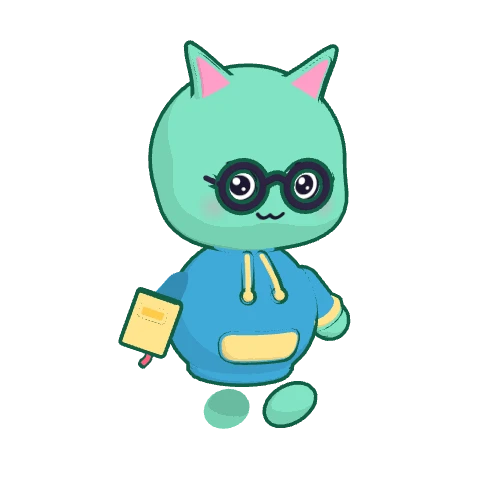
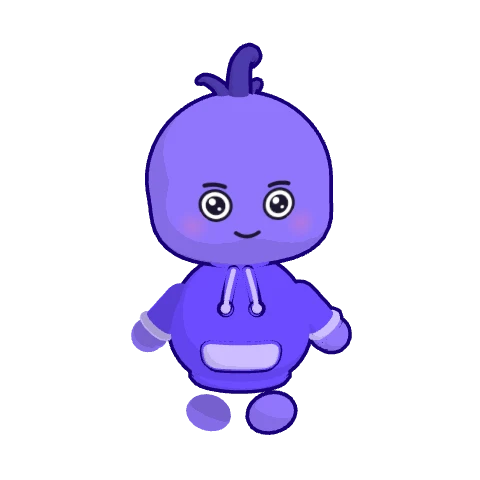
Pip
Your curious sidekick. Explains any page in plain words, and reads the long ones so you don’t have to.
-
Psst. There’s a renewal fee on page 3.
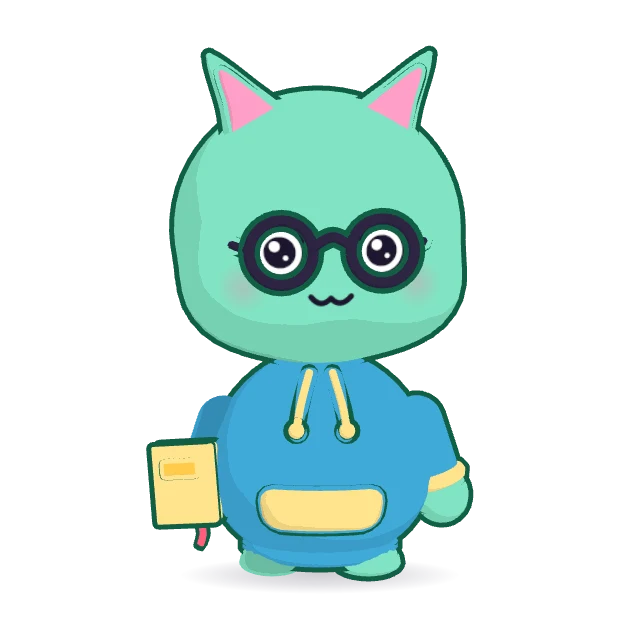
Juniper
Reads the fine print for you. Finds the catches in terms and offers, and quotes the clause.
-
Tabs tidied. You’re welcome.

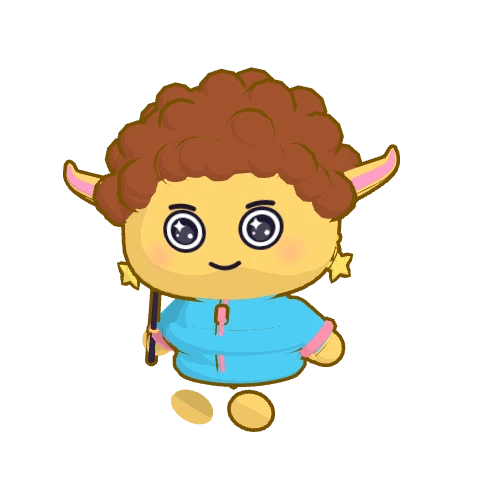
Bolt
Fast hands, fewer clicks. Sorts your tabs into keep, later or close, and closes the rest.
-
One small step at a time. You’ve got this!

Mochi
Always cheering you on. Turns big jobs into small steps, like a recipe into a shopping list, aisle by aisle.
-
Your morning digest is ready.

Sage
Big tasks, made to look easy. Has your morning digest ready before you open the laptop.
-
Who will you make?
+ Make your own
A companion with its own look, built part by part: body, head, hair, hats, glasses and colours.
CH 07 · Make things
Say what’s missing, and it exists
Describe a tool, a habit or a way of working. Your companion builds it into your browser, and it’s yours to keep.
Apps
Describe a small tool and your companion builds it. It opens as its own tab and is yours to keep.
Skills
Show it once how you want something done, then use it by name on any page.
Routines
Have any request run on a schedule: a briefing every weekday at 8:00, a price check every evening.
Companions
Make one for work, one for travel, one just for fun. Each has its own look, instructions, skills and memory.
Your files
Share a folder, read-only or read and edit, and your companion works with what is in it.
Browser
Underneath it all, a real browser built on Chromium like Chrome: tabs, split view, bookmarks, ad and tracker blocking. Import from Chrome, Arc, Brave, Edge, Vivaldi or Firefox.
CH 09 · At work
If it opens in a tab, your companion can work in it
Your companion reads, clicks, types and fills in forms on the sites where you’re already signed in. There is nothing to connect first.
Find Laura’s email in Gmail, put a hold in Google Calendar and draft the reply.
- You say what you need
- It does the clicking
- It checks with you first
CH 10 · Real requests
Things people hand over
Each of these was typed into Apex, word for word. Pick one and watch what happened.
CH 11 · Why a browser
The answer was never the hard part
A chatbot answers in its own window, and you still do the clicking. Apex is the browser, so your companion works on the page itself.
With a chatbot
- You carry every answer back to the site
- Only reaches the apps it has a connector for
- Starts from zero every time
 With Apex
- Works on the page, in your tabs
- Uses any site you’re signed in to
- Remembers how you like things done
Apex and chat assistants
A chat assistant is a place you go to ask.
Read comparisonApex and other AI browsers
Several browsers now come with an assistant that can act on pages.
Read comparisonApex and automation tools
Automation tools connect apps through their APIs and run flows you build in advance.
Read comparison
CH 12 · Safety
You’re still the one in charge
Your companion works in the open, where you can watch. Take over a tab whenever you like.
It asks first
Sending, posting, booking and buying wait for your yes.
No passwords, no cards
It is never allowed to type passwords or card details.
Your data stays with you
No Apex account. Chats and memory are stored on your computer.
Packs are sandboxed
What others made is signed, and nothing installs until you say yes.
CH 13 · Get started
Three steps, a few minutes
Apex is free and open source, and there’s no account to make.
- 01
Install Apex
For Mac with Apple silicon or Intel, and for Windows, straight from GitHub.
Download Apex - 02
Move over from your old browser
Import what you had. Your other browser is left untouched.
- Chrome and Arc
- Brave, Edge and Vivaldi
- Firefox
- 03
Meet your companion
Add your own Anthropic API key, pick one of six or make your own, and hand over a first task.

CH 14 · Questions
Questions people ask
Something else? We’d love to hear from you.
What is Apex?
Apex is a free, open-source web browser for Mac and Windows that you make your own. It comes with an AI companion you can design. You ask for something in plain words, and the companion does it in your own tabs: it reads pages, clicks, types, fills in forms and moves between sites while you watch. It also builds the skills, routines and small apps you describe, and you can share them as packs. It asks before anything that matters.
Is Apex really free and open source?
Yes. The whole browser and its agent are open source under the Mozilla Public License 2.0, and the code is on GitHub. Official builds are free to download. The companion art has its own licence, which lets anyone create and share characters for Apex, and the Apex name, logo and characters are trademarks.
Who is Apex for?
People who like to shape their own tools, and anyone who does repetitive work in a browser. People use it to book, shop, compare and tidy their tabs. Founders and small teams use it for the admin between tools: status updates, CRM notes, support replies and scheduling. Students and researchers use it to read and compare long pages and papers. Developers and creators build packs, apps and companions on it.
How is Apex different from a chatbot like ChatGPT or Claude?
A chatbot answers in its own window, and you carry the answer back to the site yourself. Apex is the browser, so the companion works on the page itself, in the sites where you are already signed in. It sets the filters, fills the basket, drafts the reply, and leaves the tab the way a person would have.
Which sites does it work on?
Any site you can open in a tab. Because the companion uses the page the way you do, a site needs no integration, and sites you are signed in to work as you. For tools you would rather connect directly, Apex also supports connectors (MCP servers).
Is it safe to let a companion click for me?
The companion asks before anything consequential, such as sending a message, posting, booking or buying, and you can take over a tab at any moment. It is never allowed to type passwords or card details. Packs made by others are signed and sandboxed, and nothing installs until you say yes. Because the code is open, anyone can check how these rules work.
What does Apex cost?
Nothing. Apex is free, with no plans, credits or fees of its own. The companion runs on Claude through your own Anthropic API key, so the AI use is billed to you by Anthropic, not by Apex. More model providers, including local models, are on the roadmap.
Which AI model does Apex use?
Claude, made by Anthropic, through your own Anthropic API key. You choose the model and how hard it thinks in Settings. More model providers, including local models, are on the roadmap.
Where is my data kept?
Apex has no account and no analytics. Your chats, memory, history and settings are stored on your computer, and your API key is kept encrypted in your system’s keychain. What the companion reads to do a task is sent to Anthropic’s Claude to be worked on. Apex’s privacy notice on GitHub lists every service the app can contact.
Does it run on Mac and Windows?
Yes. There are downloads for Mac with Apple silicon, Mac with Intel, and Windows. Apex also runs on Linux when you build it from source.
Can I build Apex myself?
Yes. Clone the repository on GitHub, run npm install and npm run dev. A build from source is called Summit: it works the same, with a plain icon and a neutral default companion, because the Apex name and characters are kept for official builds.
Can I move over from Chrome or another browser?
Yes. Apex is built on Chromium, the engine Chrome uses, so sites behave the same and Chrome Web Store extensions work. It can import from Chrome, Arc, Brave, Edge, Vivaldi, Firefox and Safari.
What are routines, skills and apps?
A routine is a request the browser runs for you on a schedule, such as a briefing every weekday at 8:00. A skill is something you teach the companion once and reuse by name on any page. An app is a small tool you describe and the companion builds, which then lives in the browser as its own tab.
What is a pack?
A pack is a file that carries something you made in Apex, such as a companion, a skill, a routine, a site tweak, a theme or an app, so that others can install it. Packs are signed and sandboxed, and the community index is on GitHub.
CH 15 · Open source
Free, and open for everyone
The whole browser and its AI agent are open source under the MPL-2.0. Read the code that acts in your tabs, build it yourself, and help make Apex better.
The code is MPL-2.0
Use it, study it, change it and share it, also commercially. Changes to its files stay open.
Read the licenceCharacters for everyone
Create and share companions for Apex under the Apex Companion Art License, even ones you sell.
Read the art licenceMade in the open
The issues, the discussions, the roadmap and every release are on GitHub. Everyone is welcome to help.
Apex on GitHub
Come make something
Apex is free and open source, for Mac and Windows. Download it, pick a companion, and build the first thing you’ve been missing.
Free and open source. Runs on Claude with your own Anthropic API key.